Links, emails, numbers & notes
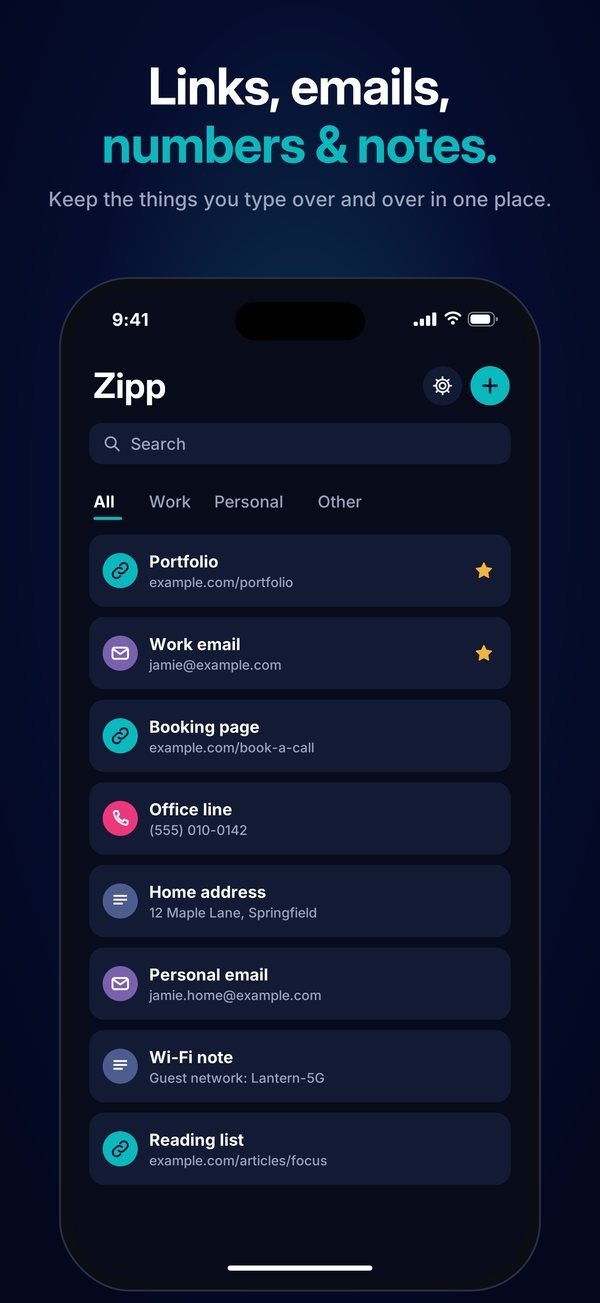
Your portfolio, booking page, work email, office line, home address or the reply you send ten times a week.
iPhone keyboard for links & snippets
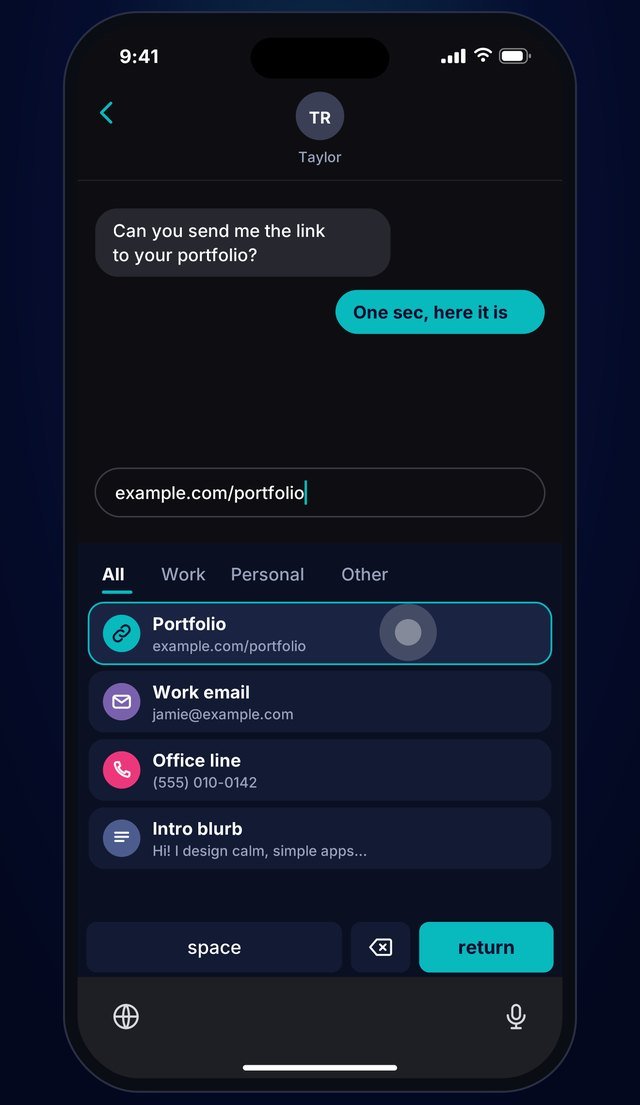
Save the links, email addresses, phone numbers and bits of text you type over and over. Then switch to the Zipp keyboard in any app and tap to type them.
Free. Coming soon to the App Store.
How it works
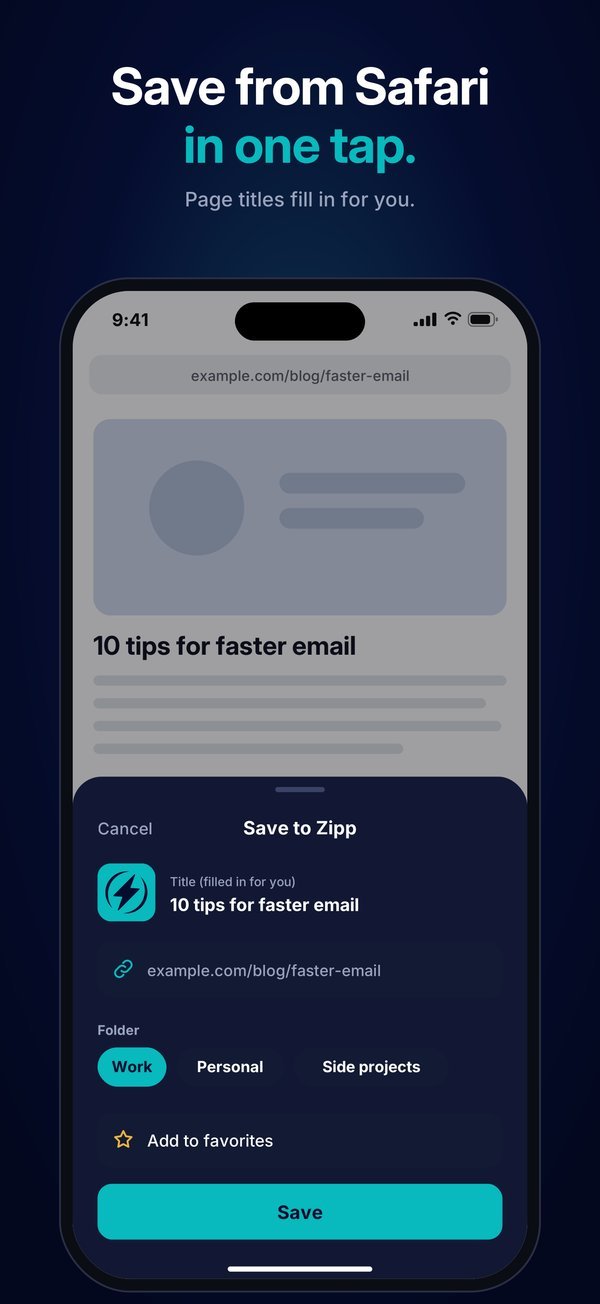
Add a link, email, phone number or note in the Zipp app, or save a web page straight from Safari's Share button.
In any app, tap the globe key under your keyboard to switch to Zipp. No Full Access needed.
Tap an item and Zipp types the whole thing for you. Tap the globe again to go back to your usual keyboard.
What you get
Your portfolio, booking page, work email, office line, home address or the reply you send ten times a week.
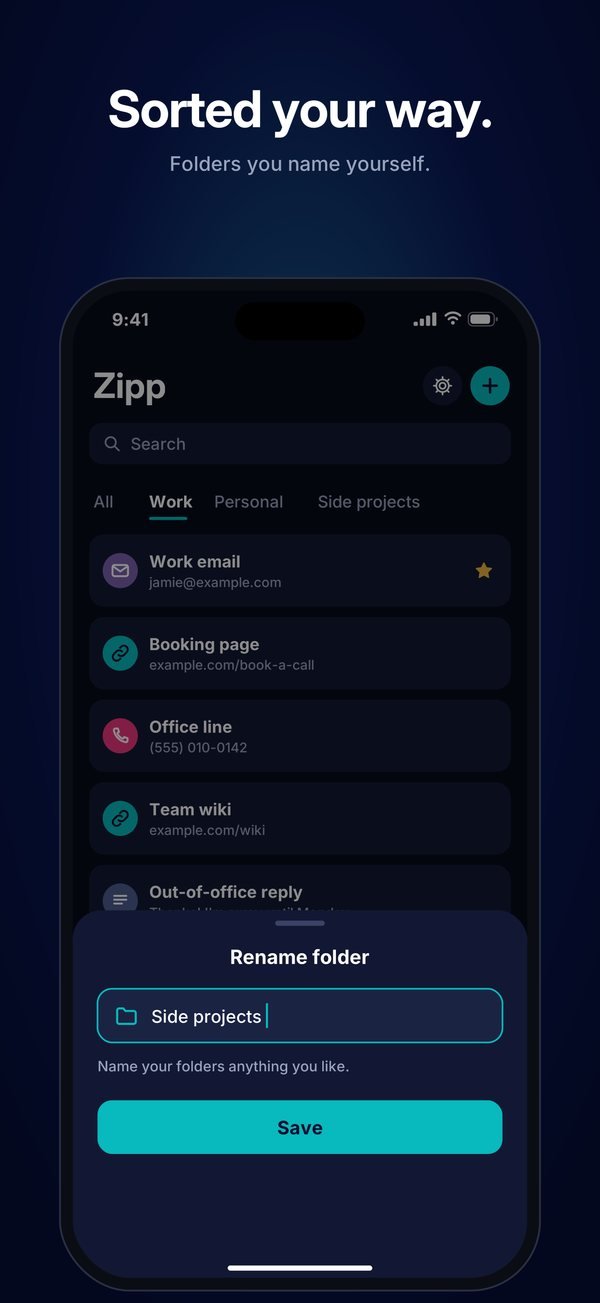
Sort items into folders and call them whatever fits, like Work, Personal or Side projects.
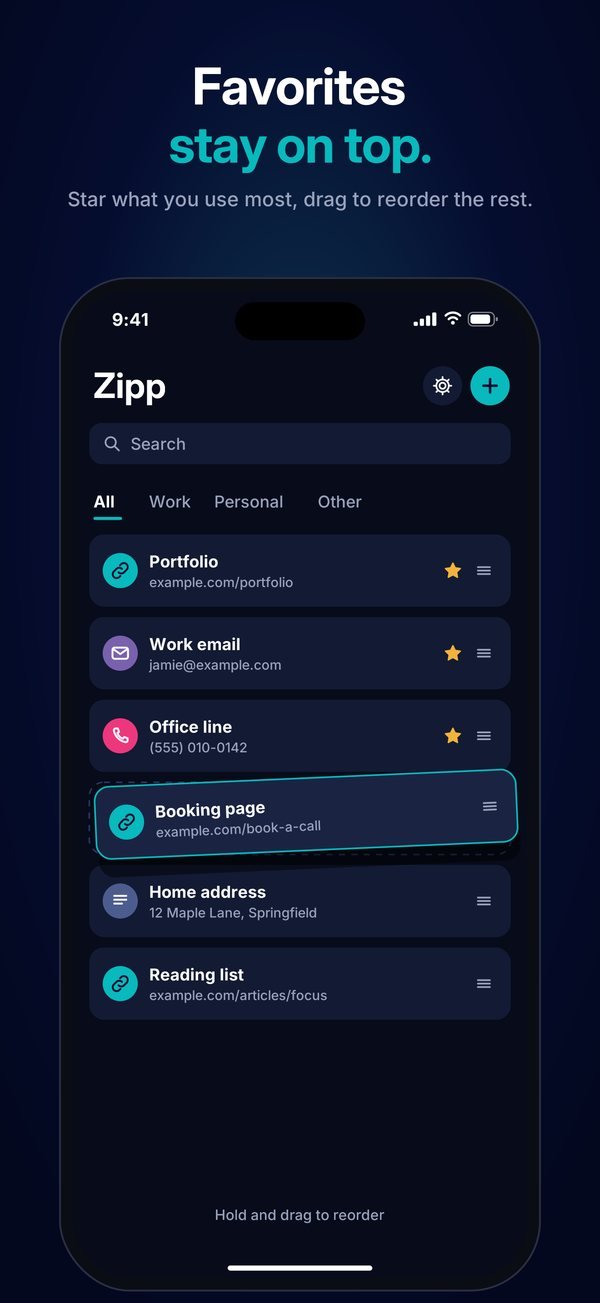
Star what you use most so it stays at the top. Drag to put everything else in your order.
Tap Share on any web page and choose Zipp. The page title fills in for you.
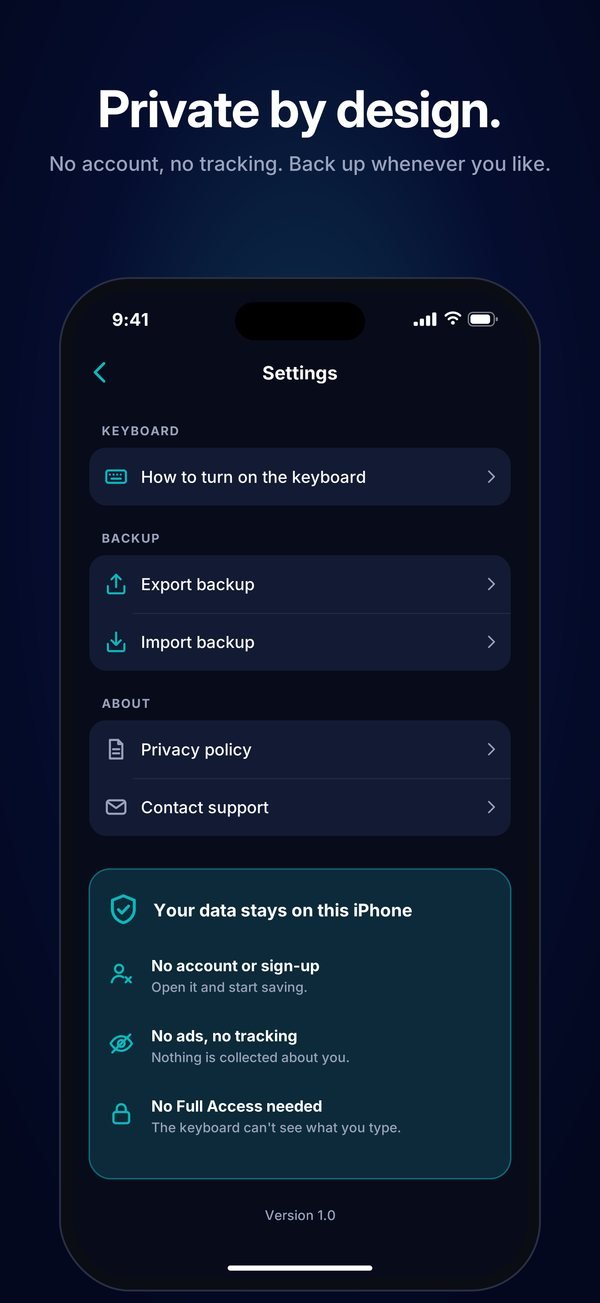
Export a backup file whenever you like and import it later, on the same phone or a new one.
The keyboard works without Full Access, so iOS doesn't let it go online. It can't see what you type elsewhere.
A closer look
Private by design
No account. No ads. No analytics. No tracking. Zipp doesn't have a server, so there's nowhere for your data to go.
Questions, bugs or ideas: email support@mogabr.com and a real person will reply.